
Start with your experience.
Use your experience, projects and skills to explore career paths beyond keyword searches.

Search jobs and save the roles that interest you. Add your CV to understand your strengths and prepare an application tailored to each role.
All features currently free · In your browser
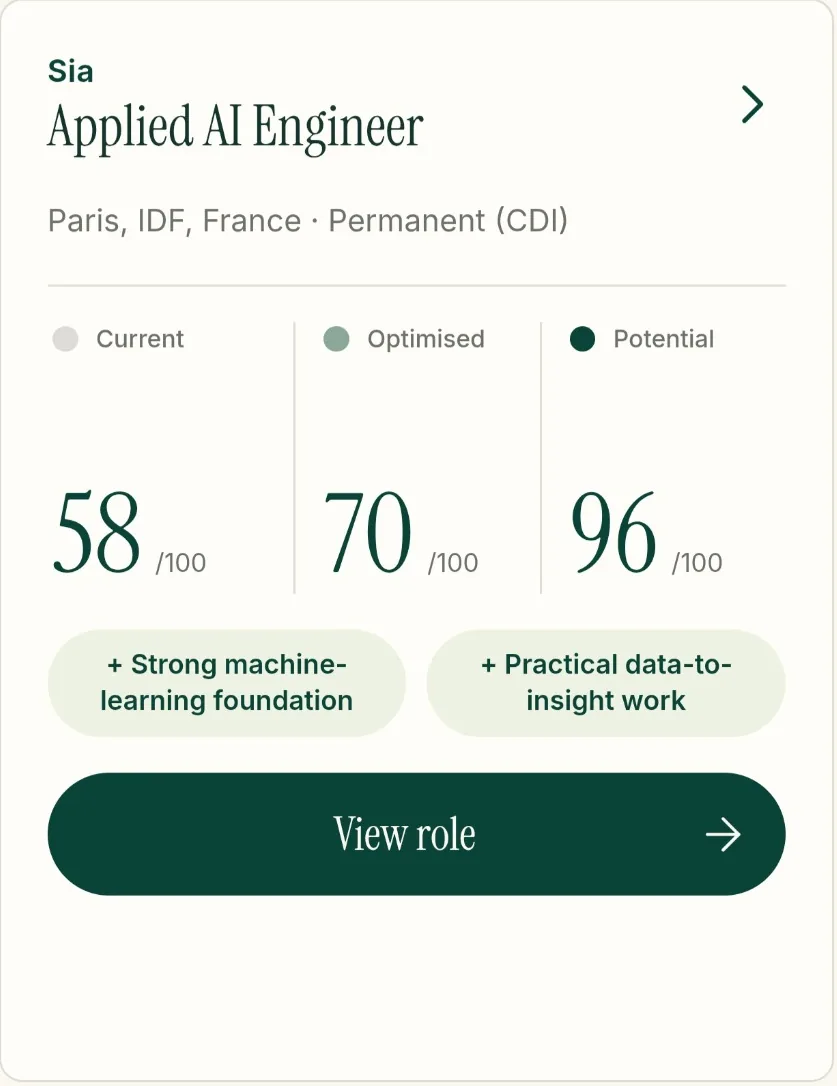
FOR YOUR NEXT STEP
MORE THAN JOB LISTINGS
Unfamiliar job titles, unclear requirements, another CV to adapt… Onward helps you understand what each role asks for and what you can bring to it.
Use your experience, projects and skills to explore career paths beyond keyword searches.
See where you fit a role, where the gaps are and what you can realistically improve.
Show your real experience in the best light for each application, without inventing anything.
FROM CV TO APPLICATION
From your first idea to a CV you’re ready to send, move forward one step at a time.
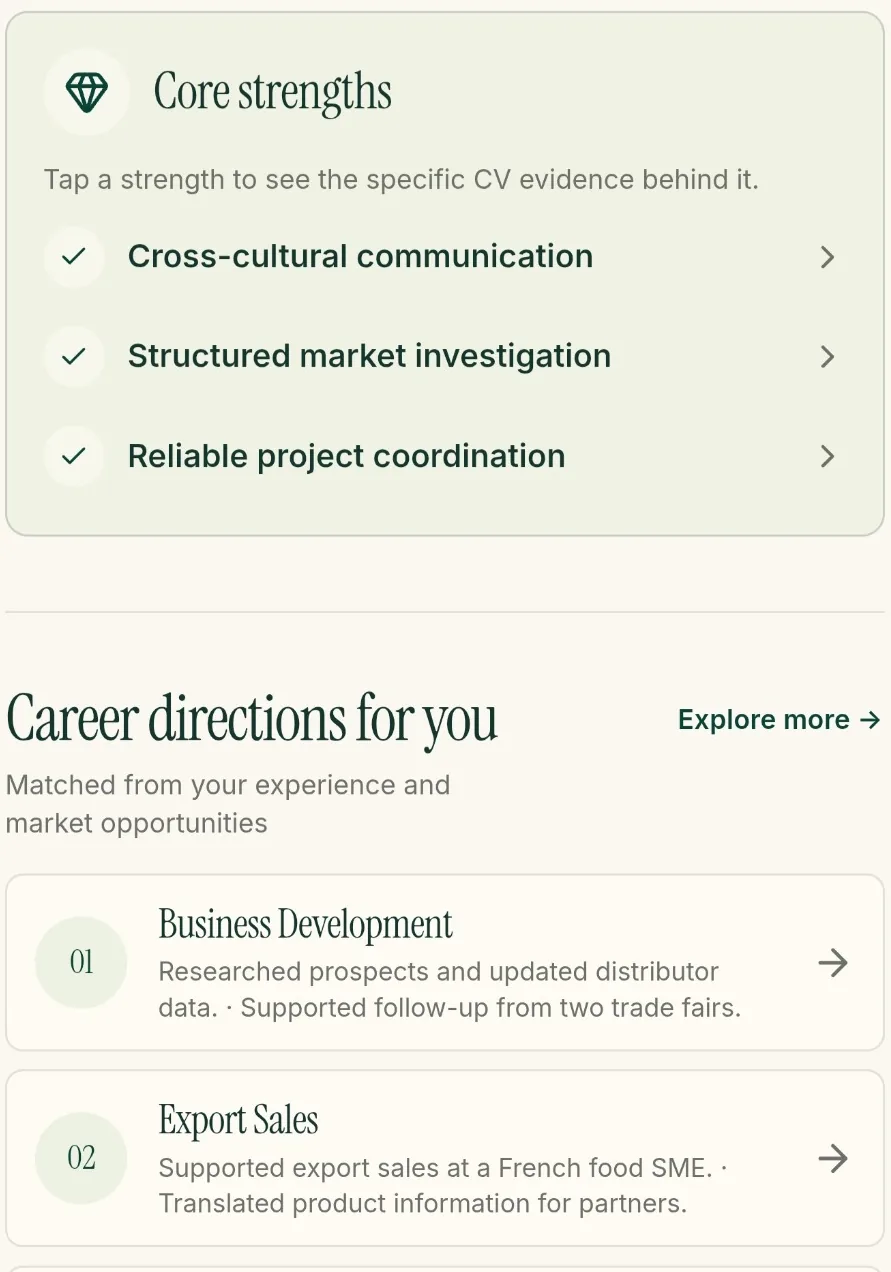
START WITH YOUR EXPERIENCE
Upload your CV. Onward identifies your strengths and suggests career paths to explore, with clear reasons for each suggestion.
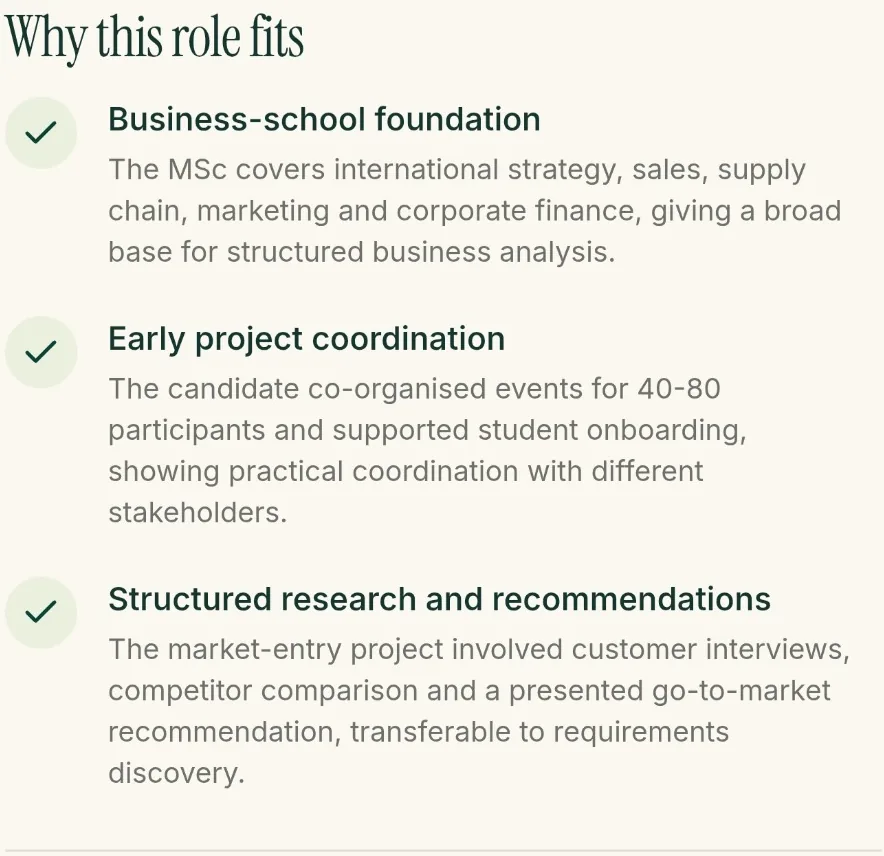
LOOK BEYOND THE JOB TITLE
Open a role to see how it relates to your experience. Onward shows what you already bring and where you could grow, so you can make sense of the requirements.
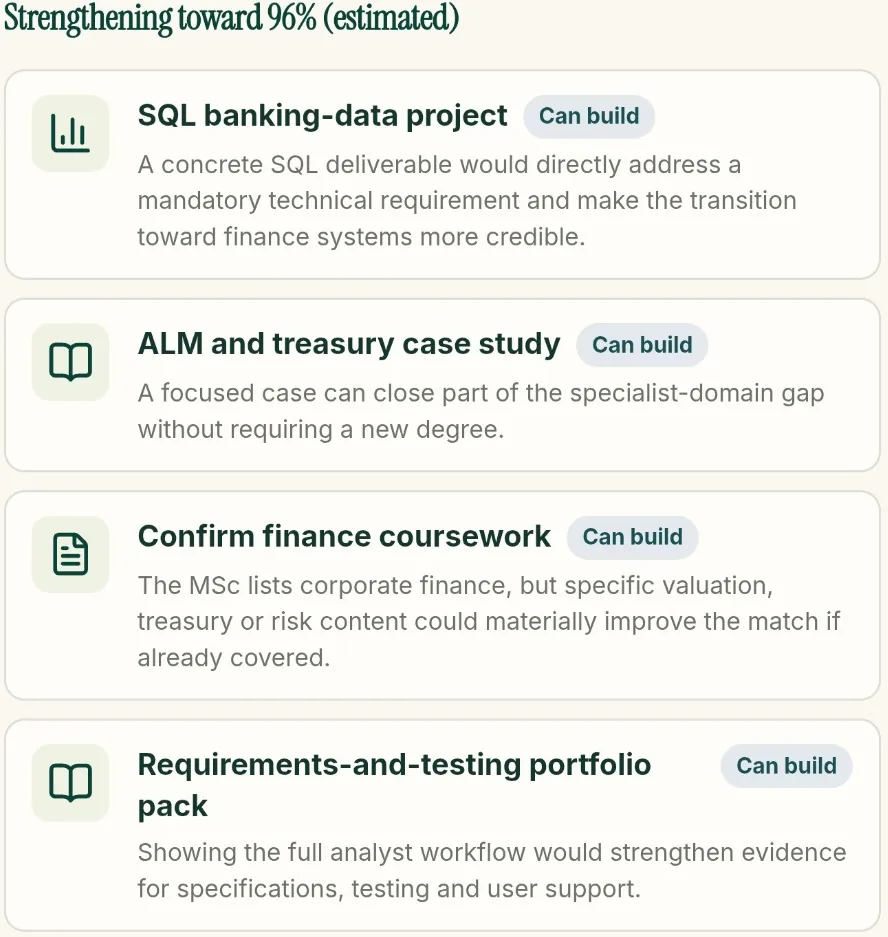
PREPARE YOUR APPLICATION
Prepare a CV tailored to the role, in French or English. Choose what to improve, review the result and track your applications in one place.
PROGRESS GROUNDED IN FACTS
Onward separates what your CV already shows, what you could explain more clearly and what you still need to develop. You can focus on the right next step without overstating your experience.
Match scores are estimates, not your chances of being hired. Potential scores assume you have actually gained or confirmed the suggested skills and experience.
What your CV already demonstrates.
The same experience, explained more clearly.
Skills or experience to build or confirm.
A JOB SEARCH THAT FITS YOUR DAY
Found a role elsewhere? Import a link, paste the description or upload a file. Save the roles that interest you and continue on your computer when you’re ready.
Saved roles, their status and your notes in one place.
A public LinkedIn link, pasted text or a document.
Review your CV and submit each application yourself.
FREQUENTLY ASKED QUESTIONS
Onward is for anyone looking for a job: students, recent graduates, experienced professionals and people changing careers. Search by the role, location and contract that suit your plans.
Create an account with email or Google, then start searching. All features are currently free. Add your CV when you want a personalised analysis or a CV tailored to a role. Already have an account? Sign in directly.
A job board helps you find listings; a CV builder helps you format a document. Onward connects your experience to a specific opportunity: possible directions, strengths, gaps and a tailored CV. It does not replace the recruiter’s decision.
Yes. Import a public link, including LinkedIn, paste a job description or add a file. If a page is inaccessible or requires sign-in, use its text or a document instead. You can view the original source and apply on the recruiting website.
They estimate how closely the experience shown in your CV fits a role. Your current match, the estimate after improving your CV and the potential after developing your skills are separate measures. A high potential score does not guarantee a future score or an interview.
No: the aim is to present your real experience more clearly. Strengthening suggestions are things to acquire or confirm, not facts to automatically add. Always review the generated CV. You choose the roles and submit your own applications.
Yes. Choose your tailored CV’s language before generating it, independently of the interface language. Your preferred job languages are separate too.
READY TO GET STARTED?
Find roles, save your favourites and prepare your applications.
Search jobsAll features currently free · In your browser